 CARTANO
Tutorials
17 videos · one to two minutes each · voice and text in English or French
First steps
Open the studio, set up a space and its members.
-
 011:32
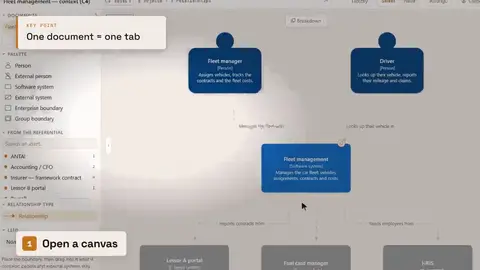
First stepsGetting startedTour the workshop in two minutes
Tutorial 1 · 1 min 32 · Beginner
Getting started
Tour the workshop in two minutes
What you will be able to do
- Canvases grouped by family
- One tab per document
- A trail to follow the path
The steps
- Open a canvas
- Tabs
- Drill down
- Find an element
- Present
-
 021:48
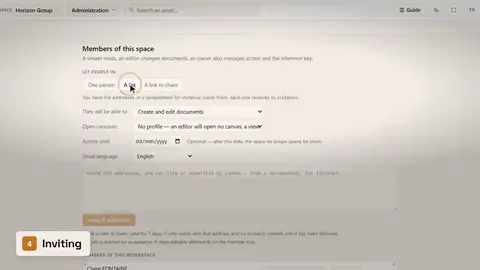
First stepsManaging a workspaceWho sees what, and who decides
Tutorial 2 · 1 min 48 · Beginner
Managing a workspace
Who sees what, and who decides
What you will be able to do
- Workspaces keep things separate
- Profiles fit the tool to each job
- Roles set the rights
The steps
- Workspaces
- Canvases
- Profiles and roles
- Inviting
- The big picture
-
 031:48
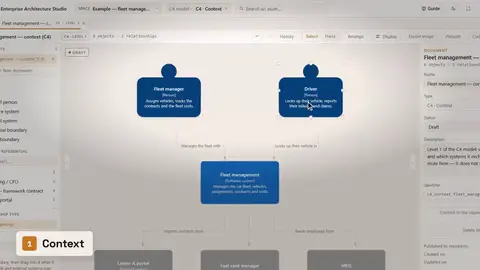
ModellingThe C4 modelDescribe an application, from context to components
Tutorial 3 · 1 min 48 · Beginner
The C4 model
Describe an application, from context to components
What you will be able to do
- The context places the application
- Containers and components show what it holds
- Cartano checks at every step
The steps
- Context
- Containers
- Components
- Export the code
-
 041:35
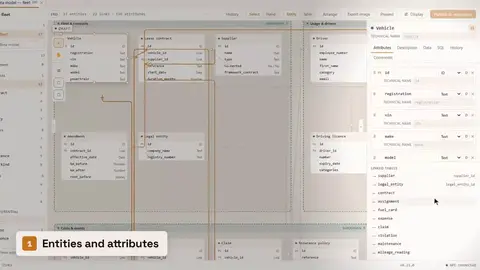
ModellingModelling your dataFrom entities to SQL, with no retyping
Tutorial 4 · 1 min 35 · Intermediate
Modelling your data
From entities to SQL, with no retyping
What you will be able to do
- Entities and links
- A notation of your choice
- SQL and data contract generated
The steps
- Entities and attributes
- Links
- The notation
- SQL and data contract
-
 051:36
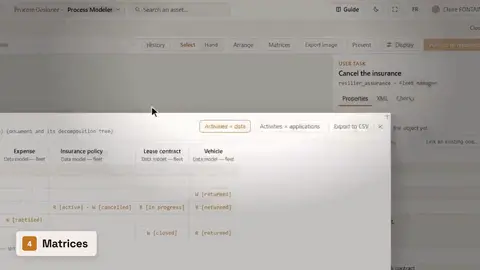
ModellingFrom process to dataWho does what, with which data and which applications
Tutorial 5 · 1 min 36 · Intermediate
From process to data
Who does what, with which data and which applications
What you will be able to do
- Lanes say who does what
- Data and applications attached to tasks
- Matrices check coverage
The steps
- Lanes
- Data
- Applications
- Matrices
-
 061:24
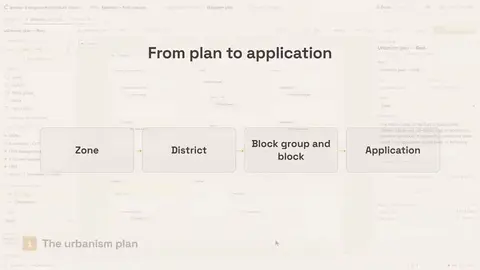
ModellingApplication landscapePlace applications and their exchanges, in three views
Tutorial 6 · 1 min 24 · Intermediate
Application landscape
Place applications and their exchanges, in three views
What you will be able to do
- A plan to place applications
- A landscape: business, application, technology
- Typed flows between blocks
The steps
- The urbanism plan
- The ArchiMate landscape
- Flows between blocks
-
 071:23
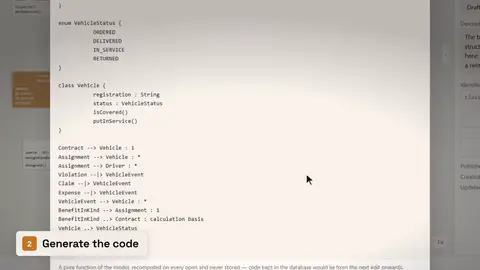
ModellingUML and generated codeFrom the class diagram to code, without rewriting it
Tutorial 7 · 1 min 23 · Intermediate
UML and generated code
From the class diagram to code, without rewriting it
What you will be able to do
- One single class model
- Three generated languages
- Code that always matches the drawing
The steps
- Draw the classes
- Generate the code
- Code that stays true
-
 081:23
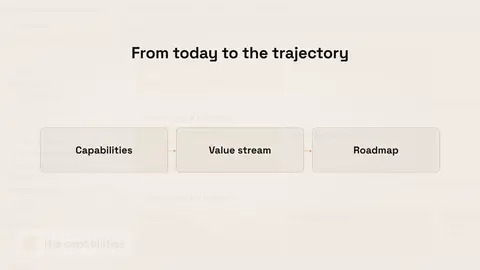
ModellingFraming the enterpriseCapabilities, value stream and roadmap
Tutorial 8 · 1 min 23 · Intermediate
Framing the enterprise
Capabilities, value stream and roadmap
What you will be able to do
- Capabilities to place the effort
- A value stream that computes the flow
- A roadmap costed by plateau
The steps
- The capabilities
- The value stream
- The roadmap
-
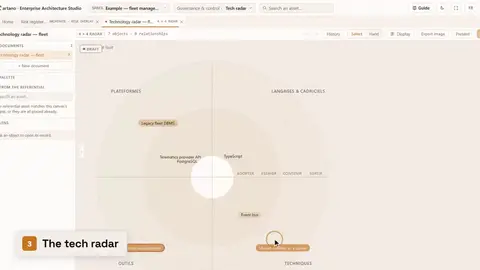 091:30
ModellingGovernanceRisks, matrix, alerts and tech radar
Tutorial 9 · 1 min 30 · Intermediate
Governance
Risks, matrix, alerts and tech radar
What you will be able to do
- Chained risks, a computed residual
- A matrix against the appetite
- A radar: what to adopt, what to retire
The steps
- The risk register
- The matrix and the alerts
- The tech radar
-
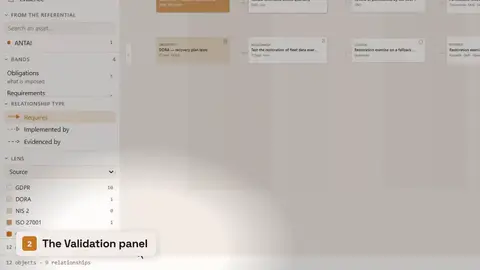 101:30
ReliabilityReview that blocksValidate, fix, then publish
Tutorial 10 · 1 min 30 · Beginner
Review that blocks
Validate, fix, then publish
What you will be able to do
- A continuous review
- Errors that block, warnings that alert
- Only what is right gets published
The steps
- The documents to fix
- The Validation panel
- Fix it at the source
- Publish
-
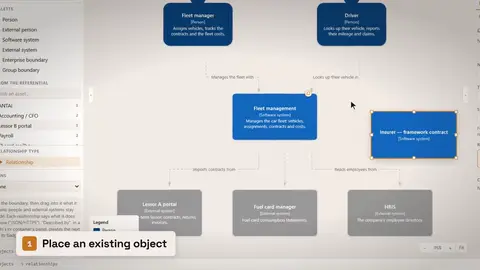 111:33
ReliabilityThe repository is the referenceReuse, extend and bind
Tutorial 11 · 1 min 33 · Intermediate
The repository is the reference
Reuse, extend and bind
What you will be able to do
- Place rather than recreate
- Properties declared with no development
- Bind in bulk whatever is not linked
The steps
- Place an existing object
- Properties of your own
- Bind in bulk
-
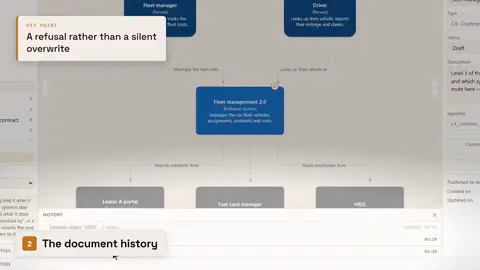 121:40
ReliabilityUndo freely, trace everythingDocument history, workspace journal, an object's story
Tutorial 12 · 1 min 40 · Beginner
Undo freely, trace everything
Document history, workspace journal, an object's story
What you will be able to do
- Undo without fear
- Every write is in the journal
- Every object has its story
The steps
- Undo a gesture
- The document history
- The workspace journal
- An object's story
-
 131:31
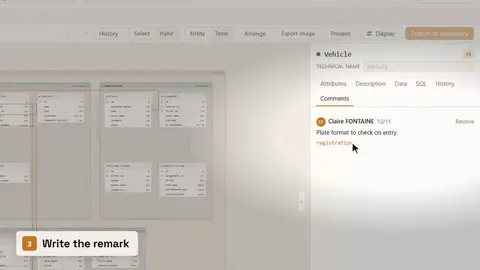
ReliabilityCommenting a modelA remark anchored to a field, resolved without disappearing
Tutorial 13 · 1 min 31 · Beginner
Commenting a model
A remark anchored to a field, resolved without disappearing
What you will be able to do
- A remark on an object or a field
- Resolved, never gone
- Kept out of the journal
The steps
- Pick the object
- Aim at a field
- Write the remark
- Resolve once settled
-
 141:35
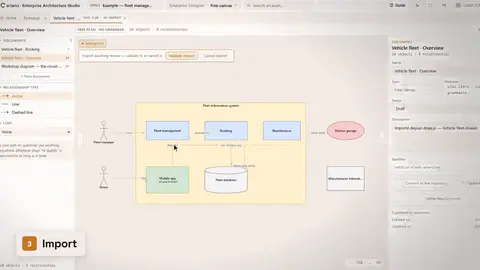
ExchangeImporting a draw.io drawingDry run, read the report, validate the documents created
Tutorial 14 · 1 min 35 · Intermediate
Importing a draw.io drawing
Dry run, read the report, validate the documents created
What you will be able to do
- A dry run before any write
- A report that hides nothing
- Documents to validate or cancel
The steps
- Drop the file
- Dry run and read the report
- Import
- Validate the import
-
 151:15
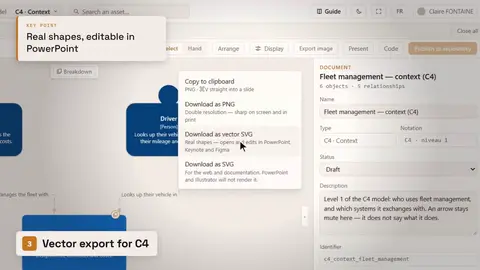
ExchangeExporting your modelsThe workspace bundle, an image, a vector SVG
Tutorial 15 · 1 min 15 · Beginner
Exporting your models
The workspace bundle, an image, a vector SVG
What you will be able to do
- One bundle for the workspace
- One image per diagram
- A vector SVG for C4
The steps
- The workspace bundle
- A diagram image
- Vector export for C4
-
 162:12
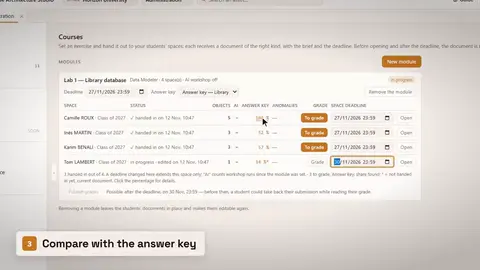
TeachingRunning a class exerciseHand out an exercise, follow the submissions, compare with the answer key
Tutorial 16 · 2 min 12 · Intermediate
Running a class exercise
Hand out an exercise, follow the submissions, compare with the answer key
What you will be able to do
- A module handed out to a whole class
- Submissions followed and compared with the answer key
- The student hands in from their own space
The steps
- Set the module
- Follow the submissions
- Compare with the answer key
- The student's side
-
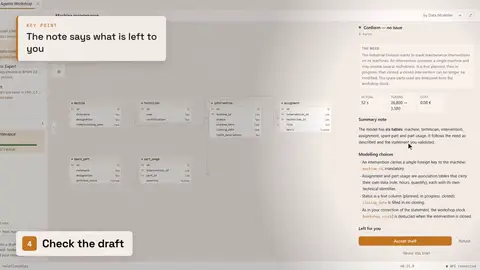 172:22
AIDrafting with an agentAn agent proposes, the checks arbitrate, you decide
Tutorial 17 · 2 min 22 · Intermediate
Drafting with an agent
An agent proposes, the checks arbitrate, you decide
What you will be able to do
- A need described in business terms
- A draft verified by the checks
- Nothing enters without your agreement
The steps
- Pick the agent
- Describe the need
- Validate the framing
- Check the draft
- Accept or reject
See Cartano on your own cases. The whole application, filmed in the studio as it runs online, on sample data: the Horizon Group, a fictional company, from one tutorial to the next.